Simple guest experience
Scan the QR, open the browser, upload. No app store or account creation slows guests down.
 MyPhotoQR
Create album
MyPhotoQR
Create album
Events · Religious Events
For baptisms, confirmations, first communions and community celebrations, MyPhotoQR keeps every guest upload in one secure place.
Baptisms, confirmations, communions and community events
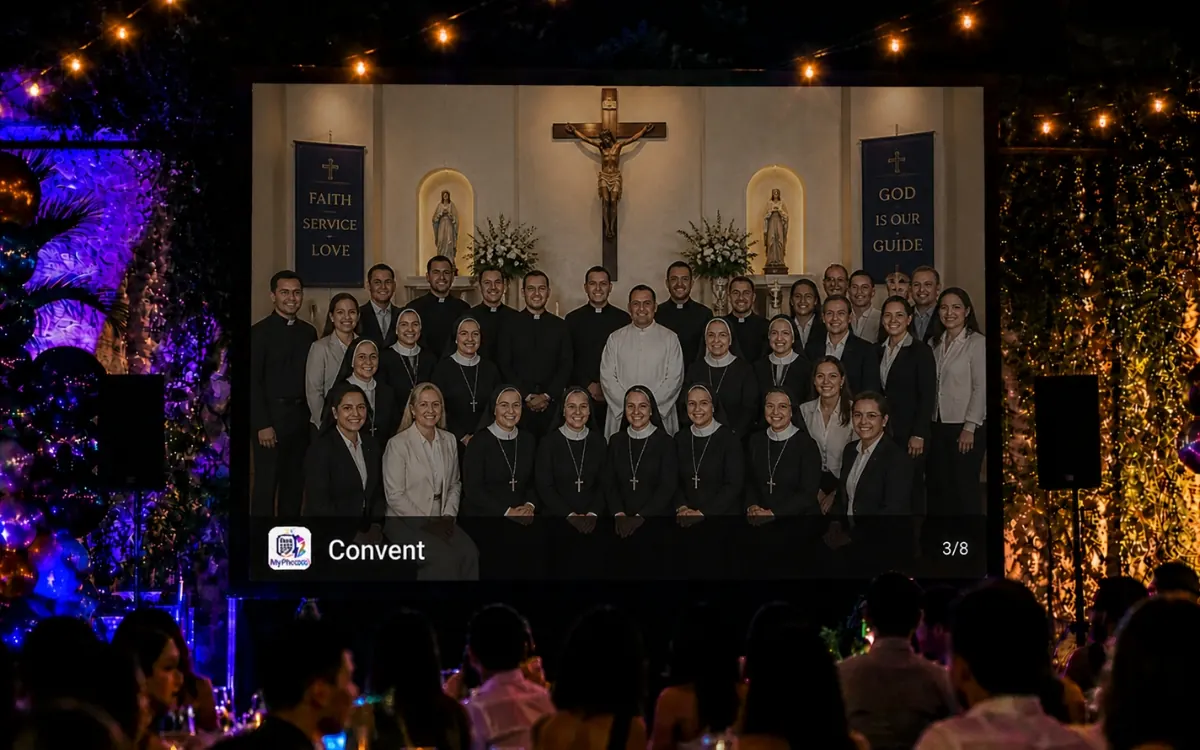
Religious events need a respectful upload flow that keeps family memories private and easy to organize afterward.
Scan the QR, open the browser, upload. No app store or account creation slows guests down.
Capture candid angles, guest perspectives and spontaneous moments you would never receive later.
Review content before it reaches the live gallery or slideshow when you want tighter control.
Keep one private album during the event and one ZIP archive after the event.
Use cases
Make the upload path match the actual flow of the event. The more naturally guests see the QR code, the more complete your final album becomes.
Best placement ideas
Reception hall sign, printed programs, family table, church bulletin insert and post-event message.
Explore QR album features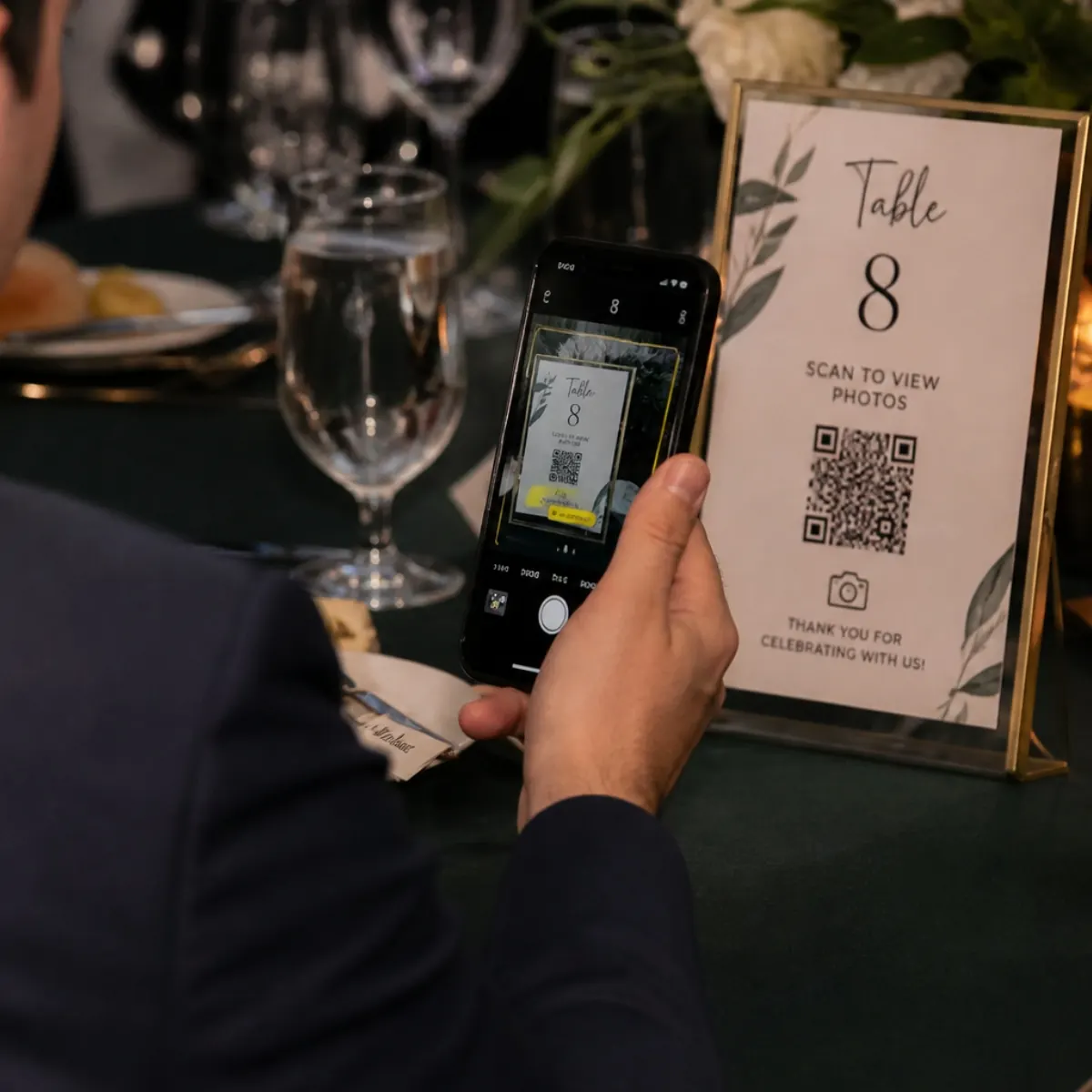
Step 1: Guests scan the QR code from a sign, table card or screen.
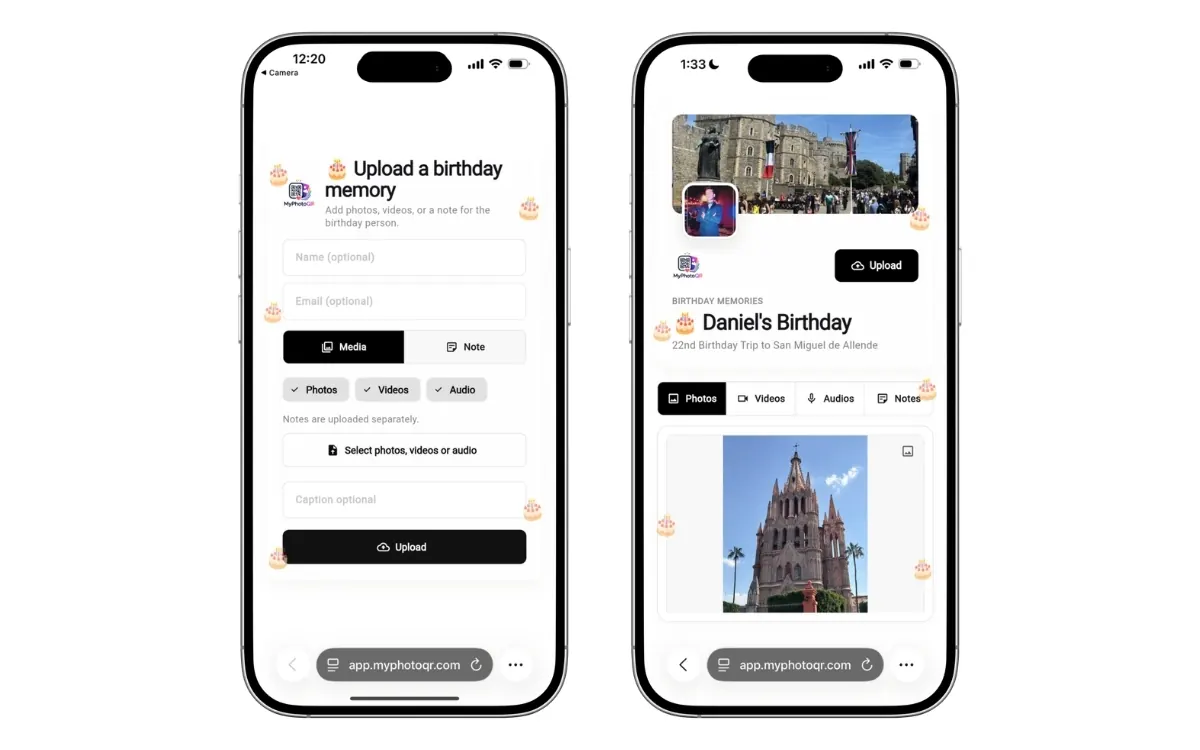
Step 2: They upload photos or videos directly from their phone browser.
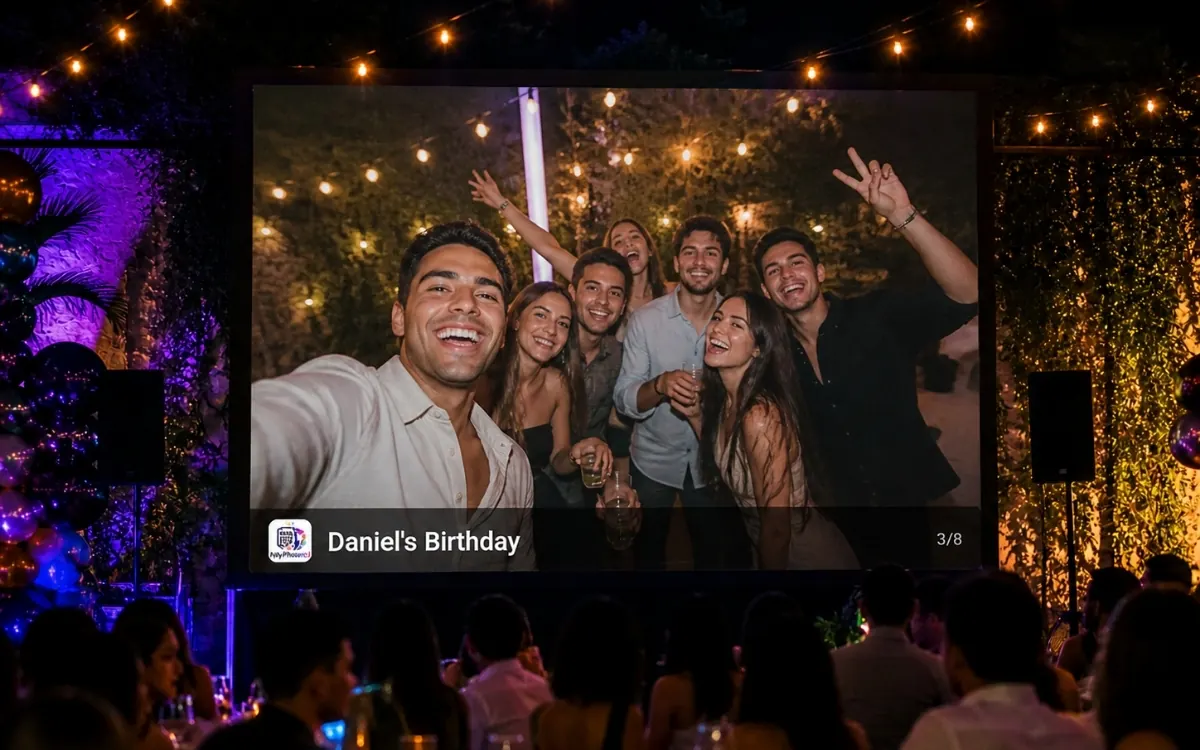
Step 3: You review, feature or display the best moments in the live gallery and slideshow.
They want a fast setup, high guest participation, privacy controls during the event and a reliable way to keep the full archive after the event ends.
No. Guests scan your QR code and upload from their browser on iPhone, Android, tablet or desktop.
Yes. You can turn moderation on, keep uploads pending, hide content or feature the best moments.
Yes. You can export a ZIP file with your event photos and videos after the celebration.
Related pages
Create a wedding photo sharing QR code for US weddings. Guests upload photos and videos with no app, use a live gallery and download the archive.
Use a birthday party photo sharing QR code to collect guest photos and videos in one private album. No app required, with moderation and ZIP export.
Collect graduation photos and videos with one QR code guests can scan from any phone. Build a live album for ceremony moments and family photos.
Create an anniversary photo sharing QR code for family and friends. Collect photos, videos and tribute moments in one private no-app album.
Create the QR album before the event so guests have a simple, visible way to upload from the first minute.
Create album