One upload link for everyone
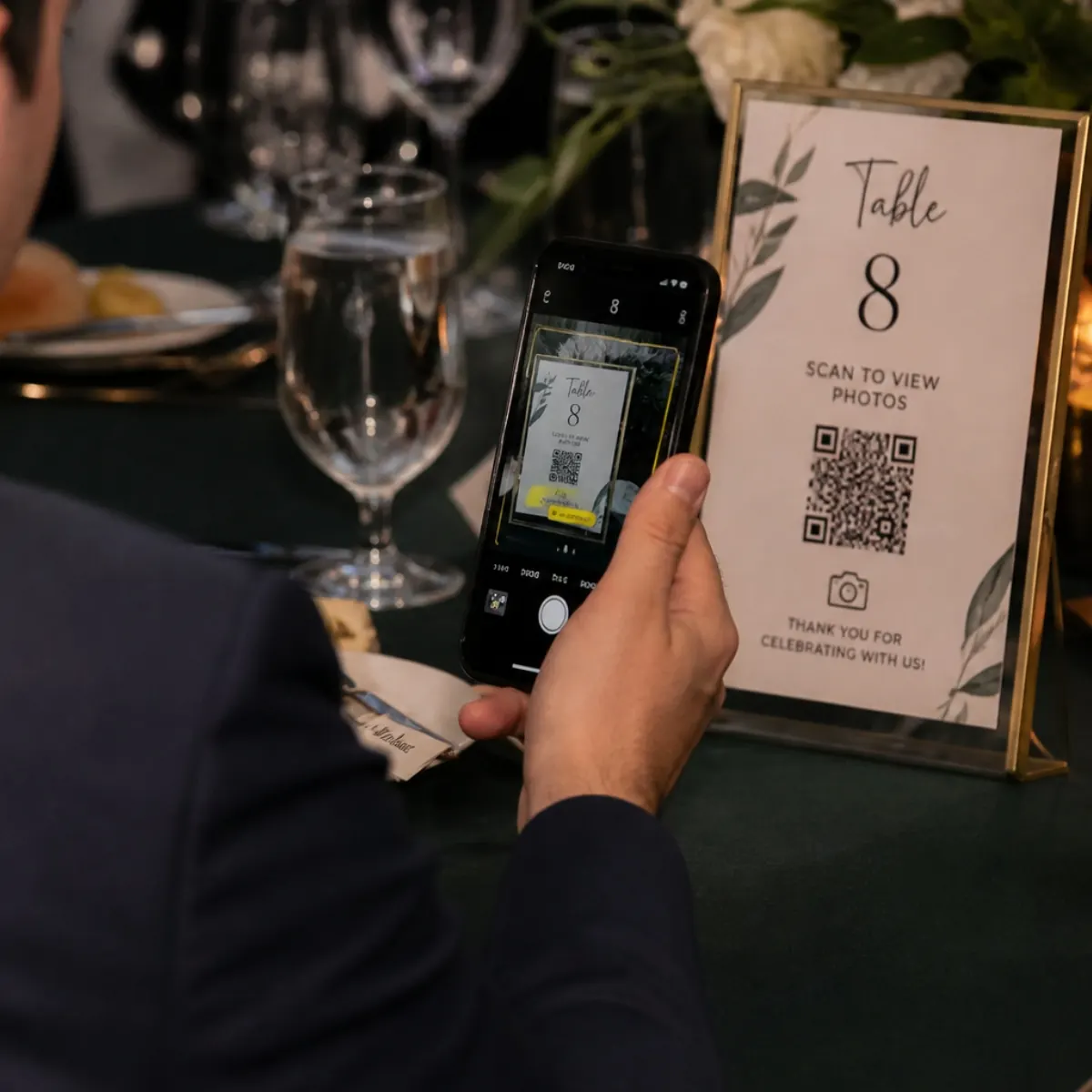
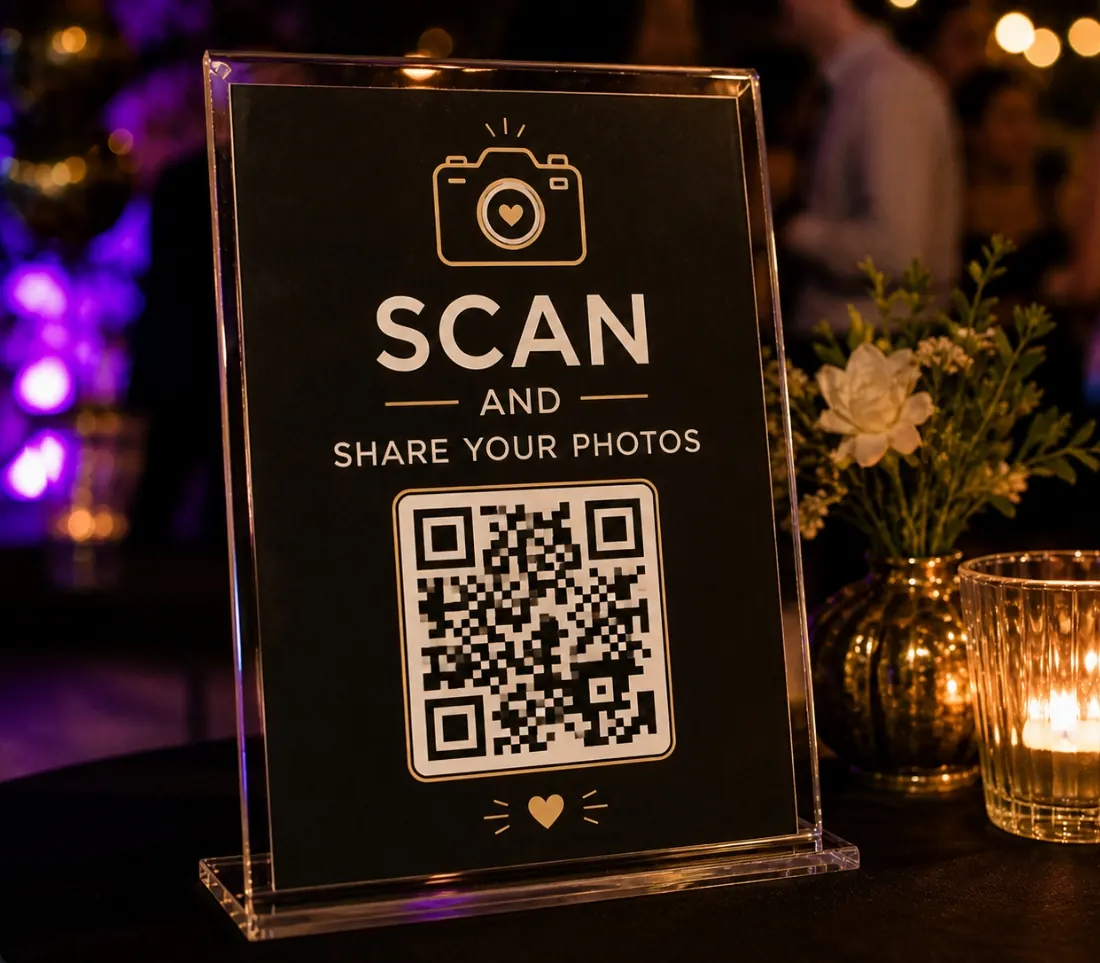
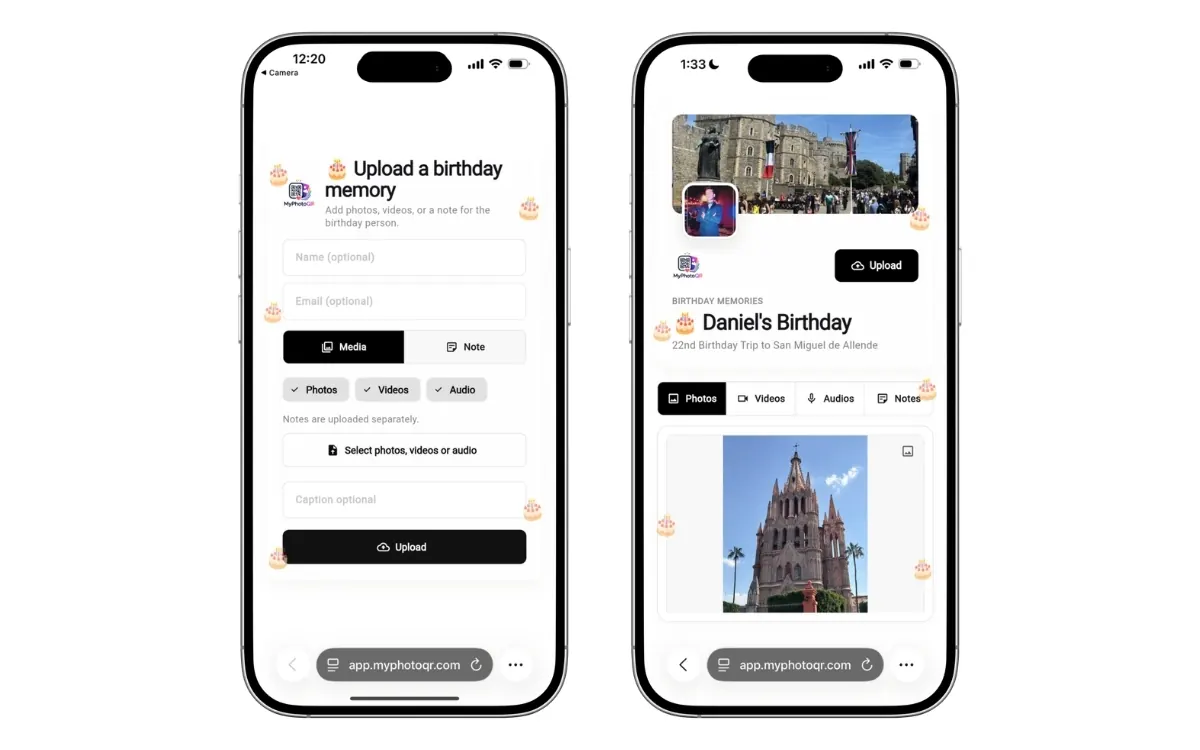
Guests scan one QR code and upload without downloading an app or creating an account.
 MyPhotoQR
Create album
MyPhotoQR
Create album
No app needed · Built for US events
Guests scan your QR code and instantly upload photos and videos to one shared album. MyPhotoQR helps hosts in the United States keep every event memory organized with privacy controls, moderation and ZIP export.
Works on iPhone, Android, tablets and desktop. Setup takes minutes.
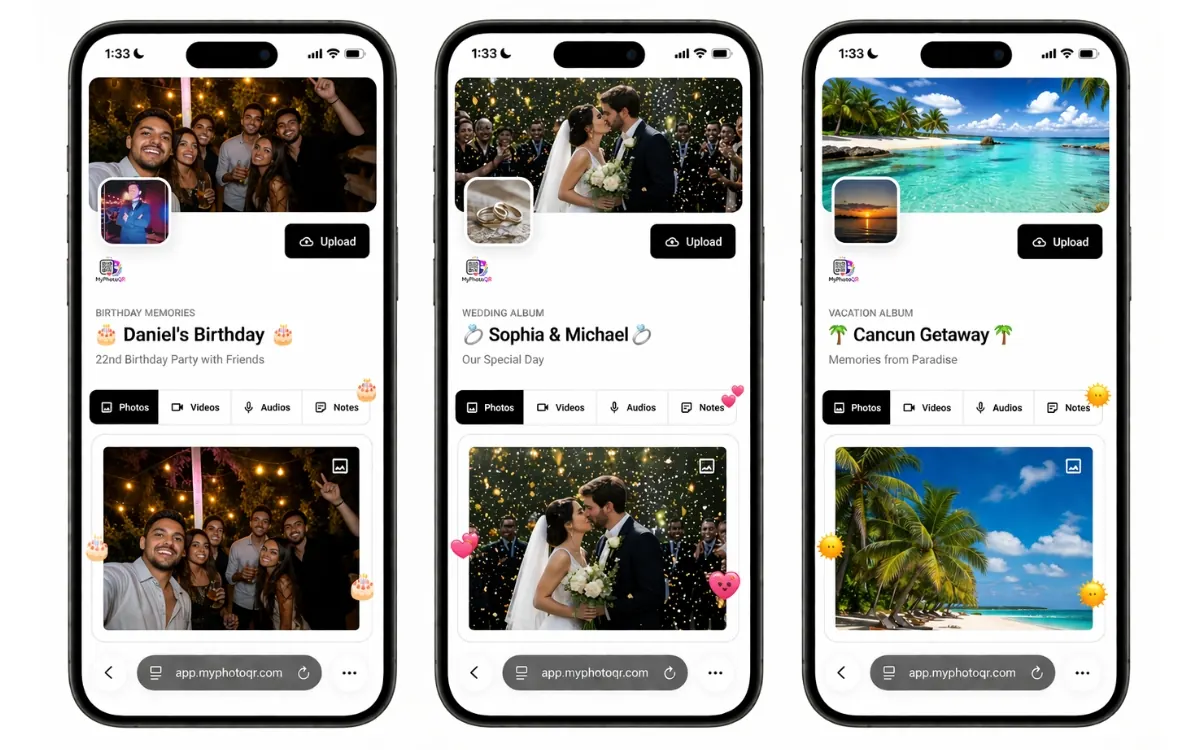
MyPhotoQR replaces scattered texts, AirDrop requests and missing media with one simple upload page guests can open from any browser.
Guests scan one QR code and upload without downloading an app or creating an account.
Keep event memories in one branded album instead of spread across messages and social apps.
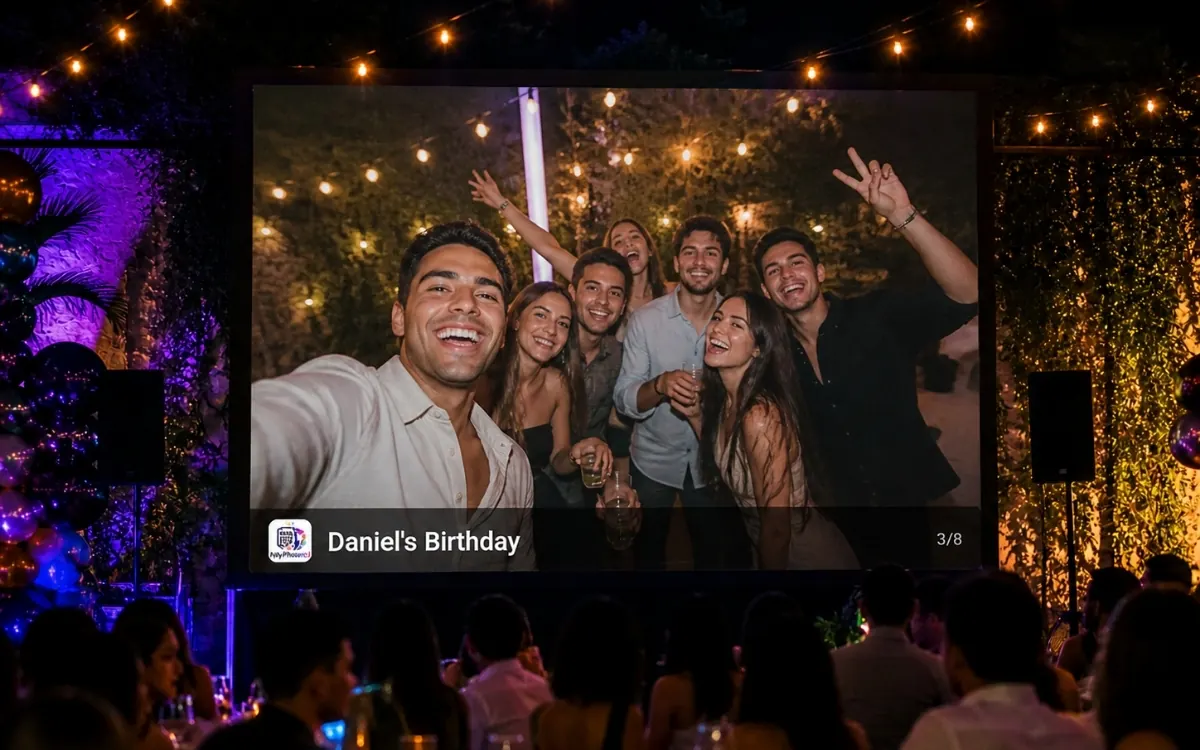
Feature the best uploads live on a TV or projector while staying in control of what appears.
Download the full archive after the event so every photo and video stays with you.
What it solves
Traditional event sharing breaks because guests use different apps, formats and chats. MyPhotoQR gives every attendee one clean place to upload from their phone while the event is happening.
Event pages
Choose your event type to see the best QR album setup, the most effective placement ideas and the features that matter most.
Create a wedding photo sharing QR code for US weddings. Guests upload photos and videos with no app, use a live gallery and download the archive.
Collect wedding photosUse a birthday party photo sharing QR code to collect guest photos and videos in one private album. No app required, with moderation and ZIP export.
Collect birthday party photosCollect graduation photos and videos with one QR code guests can scan from any phone. Build a live album for ceremony moments and family photos.
Collect graduation party photosCreate an anniversary photo sharing QR code for family and friends. Collect photos, videos and tribute moments in one private no-app album.
Collect anniversary celebration photosCollect US corporate event, conference and retreat photos with a branded QR upload album. Attendees upload from a browser while your team reviews content.
Collect corporate event photosCreate a baby shower photo sharing QR code so guests can upload photos, videos and sweet messages with no app. Keep everything in one private album.
Collect baby shower photosCollect quinceañera guest photos and videos with one QR code. Guests upload without an app, and you can show a live slideshow and download everything.
Collect quinceañera photosCollect baptism, confirmation, first communion and church celebration photos in a private QR album guests can use without an app.
Collect religious event photosUse a farewell party QR album to collect guest photos, videos and goodbye messages from any phone browser. Keep every memory together and export the archive.
Collect farewell party photosCollect group trip photos and videos with one QR code everyone can use without an app. Build a shared travel album and download the full archive.
Collect group trip photosPopular US searches
These pages match the phrases US hosts often search when they need guests to upload photos without an app.
For weddings, birthdays, graduations, corporate events and family gatherings across the United States.
Open pageA no-app wedding QR album guests can use during the ceremony, reception and after-party.
Open pageMake one scan-to-upload path for guest photos, candid videos and the final wedding archive.
Open pageGuests upload from iPhone, Android, tablet or desktop without downloading anything.
Open pageTurn approved guest uploads into a live gallery or slideshow for venue screens.
Open pageSimple one-time pricing for one event album, QR sharing, guest uploads and ZIP export.
Open page
Name the event, add the cover, tune privacy settings and make the page match your celebration.
Print it on signs, tables, invitations, slides or send the link directly before and during the event.

Guests upload from any browser and you can review, feature and export everything after the event.
A QR photo album is a private event page where guests scan a QR code and upload photos or videos directly from their browser. It removes the need for apps, accounts or long upload instructions.
No. MyPhotoQR works in the browser on iPhone, Android, tablets and desktop. Guests scan, tap upload and share instantly.
Yes. You can enable moderation, keep content pending, auto-approve uploads, hide items or feature the best moments for your gallery and slideshow.
Yes. You can export the album as a ZIP file to save every photo and video after the event.
Create one QR album and give every guest a simple path to upload photos, videos and memories while the event is still happening.
Buy album for $9.99